How to use:
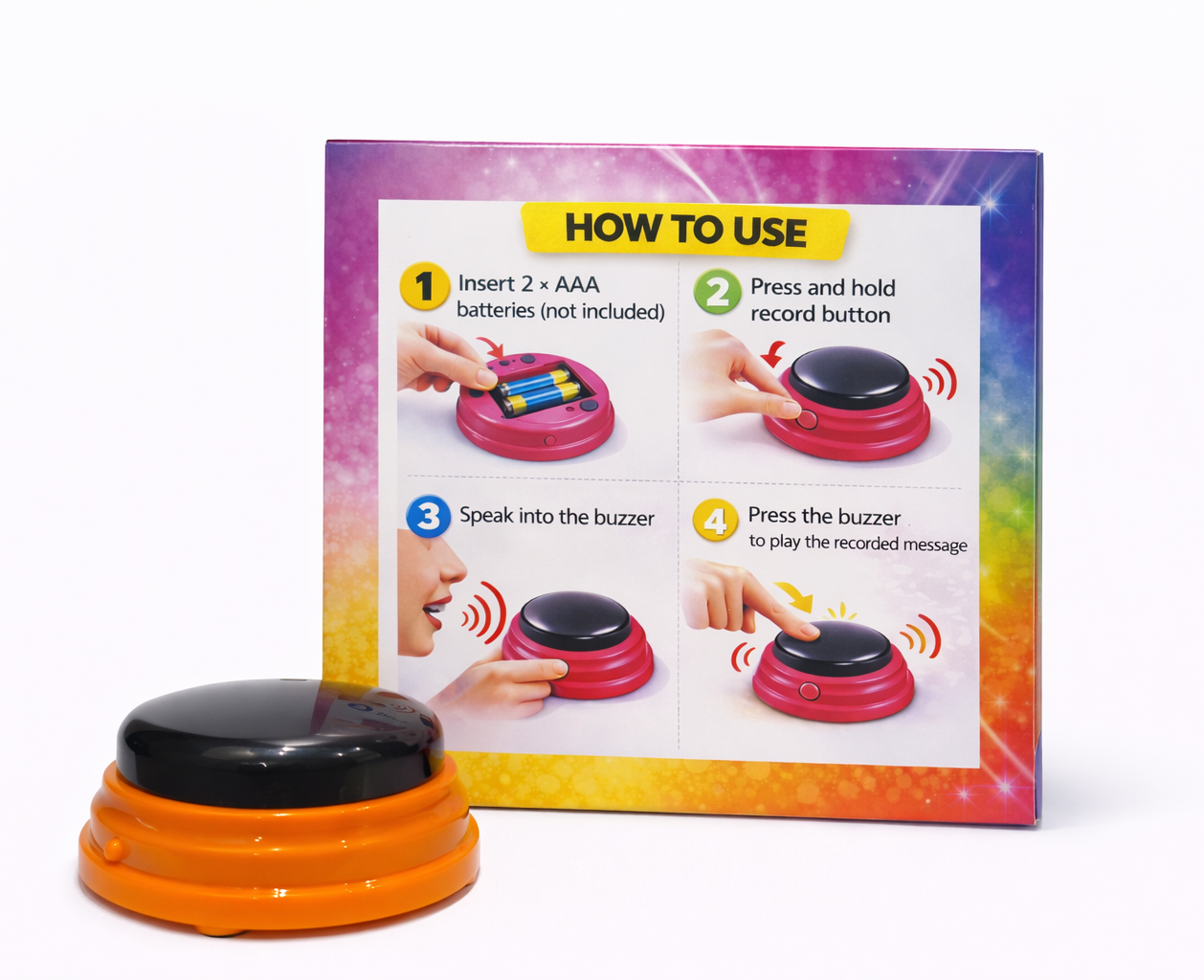
- Insert two AAA batteries.
- Flip the switch to ON.
- Press and hold the record button on the side.
- When you hear a beep, start recording while still holding the button. Speak loud and clear.
- Release the button and press the buzzer to play the recording.
- Want to change the sound? Just repeat the same steps.
Product details:
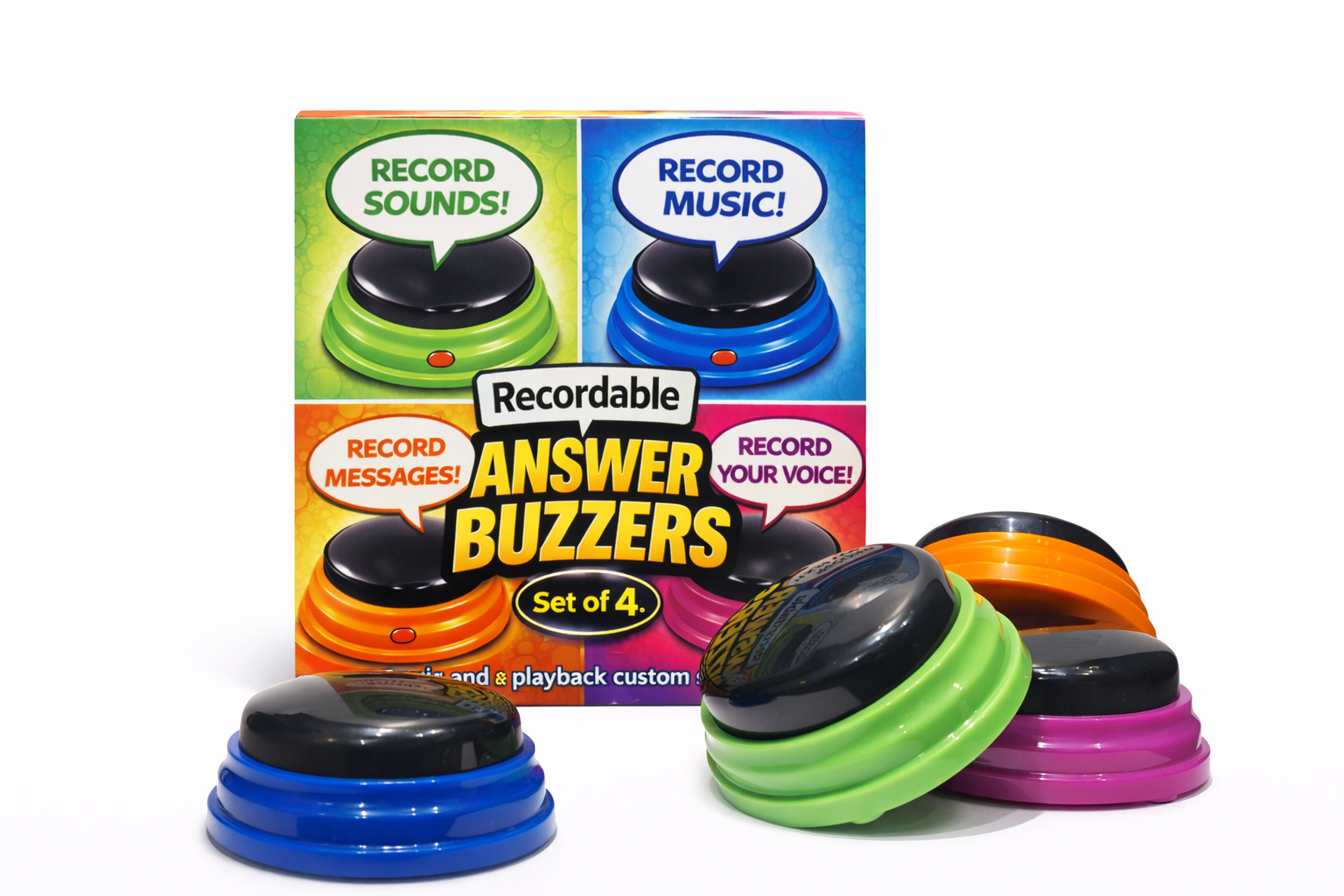
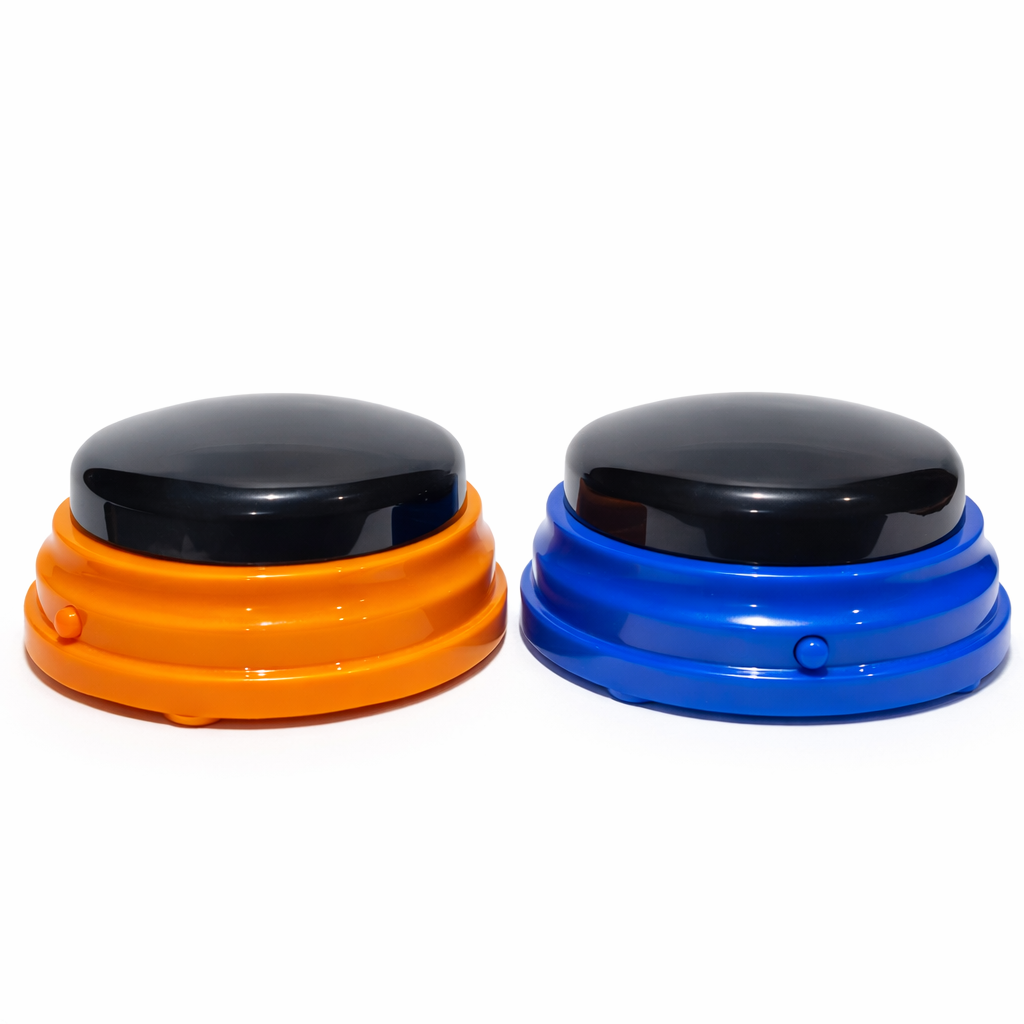
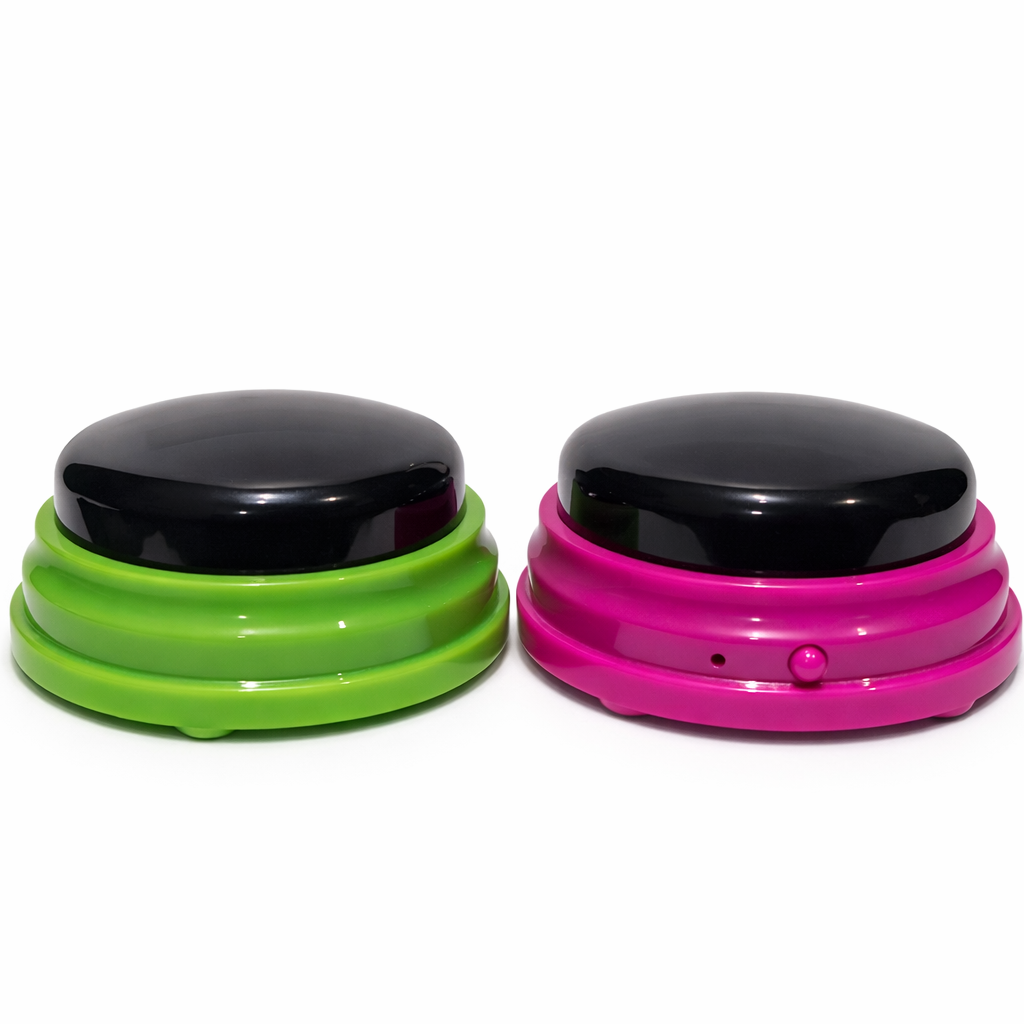
The set includes four buzzers of different colours.
Each buzzer allows custom sound recording.
Easy push-button operation.
Requires two AAA batteries per buzzer (not included).
Note: The sound level works well for normal classroom activities, but may be difficult to hear in a very noisy room.
Material: plastic
Size: diameter 9 cm, height 4 cm
CE marked
Made in China
Lair’s tips:
- Let each team record their own sound before the game starts. It instantly creates team spirit, and makes the classroom just a little louder in the best possible way.
- Practicing vocabulary and want an active input from students? Record short task descriptions for each buzzer, such as compile a short crossword puzzle, make an „odd one out“ task, design a gap-fill exercise, create an outline for a topical dialogue. Divide the class into groups and ask the representatives to come up and hit a buzzer. That’s now their group word task. Once the task is completed, each group will choose a task to solve hitting a random buzzer again. Divide the class into groups. A representative from each group presses a buzzer to discover their task. Once they complete it, groups can press another buzzer to receive a new challenge. Could you simply assign the tasks or hand them out on paper? Of course, but pressing a buzzer makes it feel like a game and adds a bit more excitement.